01 / CREATE
Find your place
Search countries and states, then give a region depth with Rise, Dig, or Hover and an adjustable height.
- Location search
- Rise · Dig · Hover
- Height
 Download app
 Create animated map videos with GeoAnimator. Highlight countries, animate flags and camera moves, and turn geography or travel stories into videos on Android.
DRAG TO EXPLORE✦LET CURIOSITY LEAD
An animated map maker for country highlights, travel paths, labels, and camera motion. See a video exported from the app below.
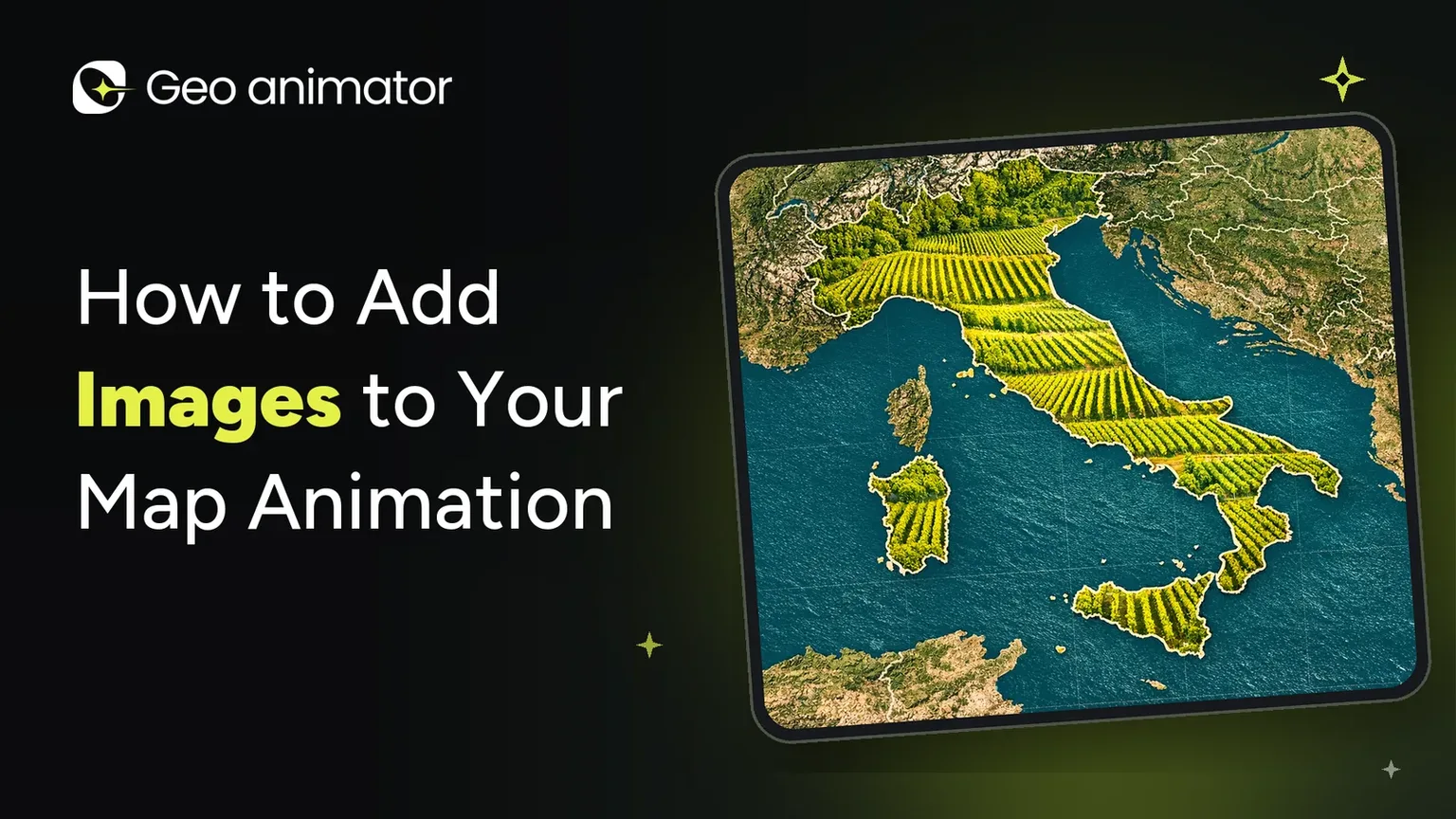
Bring regions to life with flag, pattern, or image fills, custom borders, and Fade, Flood, Wipe, or Chase reveals.
Download appFrom the first location to the final video.
Explore what you can create in GeoAnimator.
Search countries and states, then give a region depth with Rise, Dig, or Hover and an adjustable height.
Highlight a region with a solid fill, pattern, flag, or image. Choose fill and border colours with separate opacity controls.
Reveal your highlights with Fade, Flood, Wipe, or Chase. Fine-tune the direction, speed, intensity, and softness.
Add text on the map or on screen, or pin it to a location. Adjust orientation, scale, and rotation to frame your message.
Build your story with text, image, and element layers alongside your region highlights. Duplicate or delete elements as you refine it.
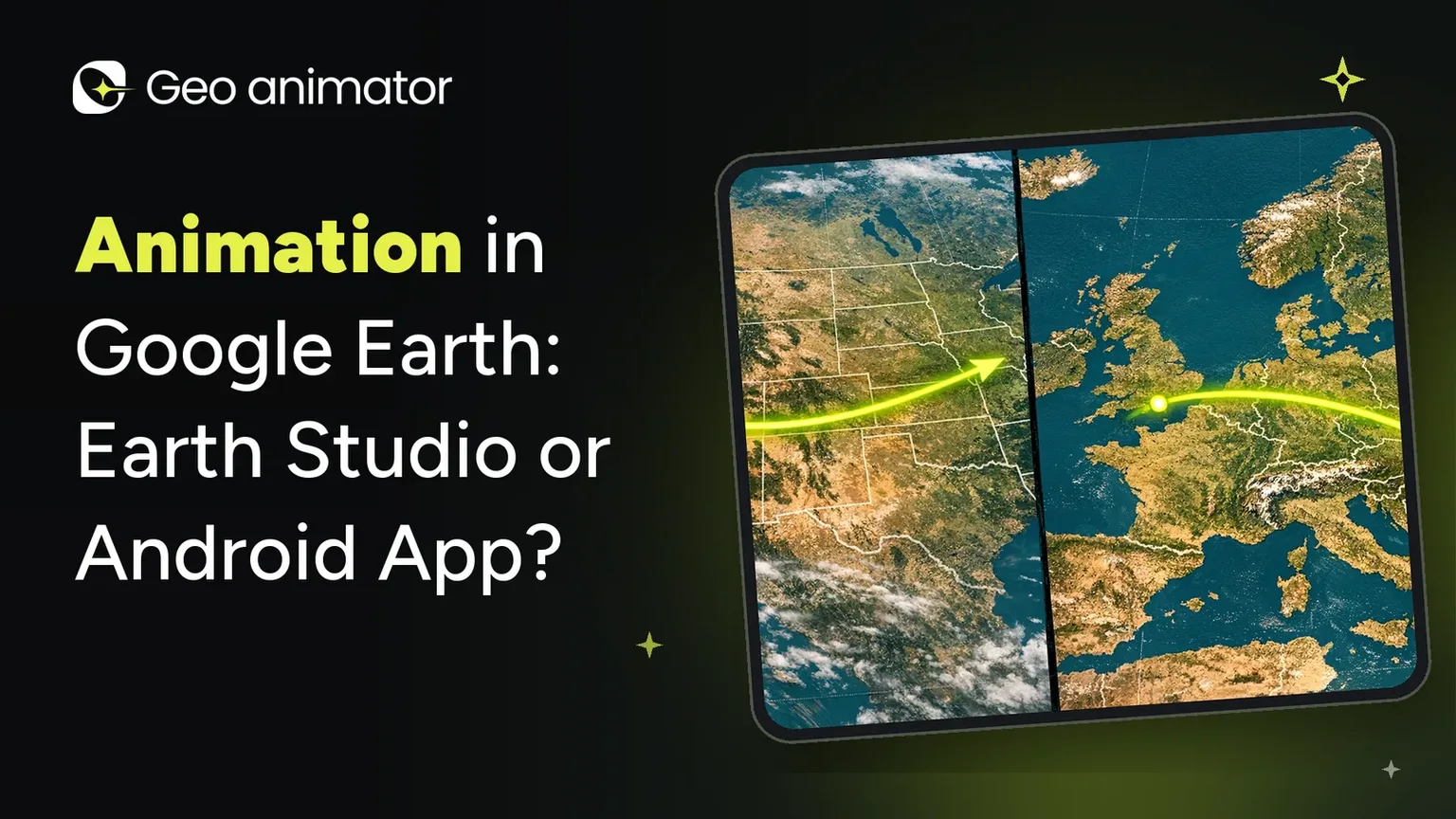
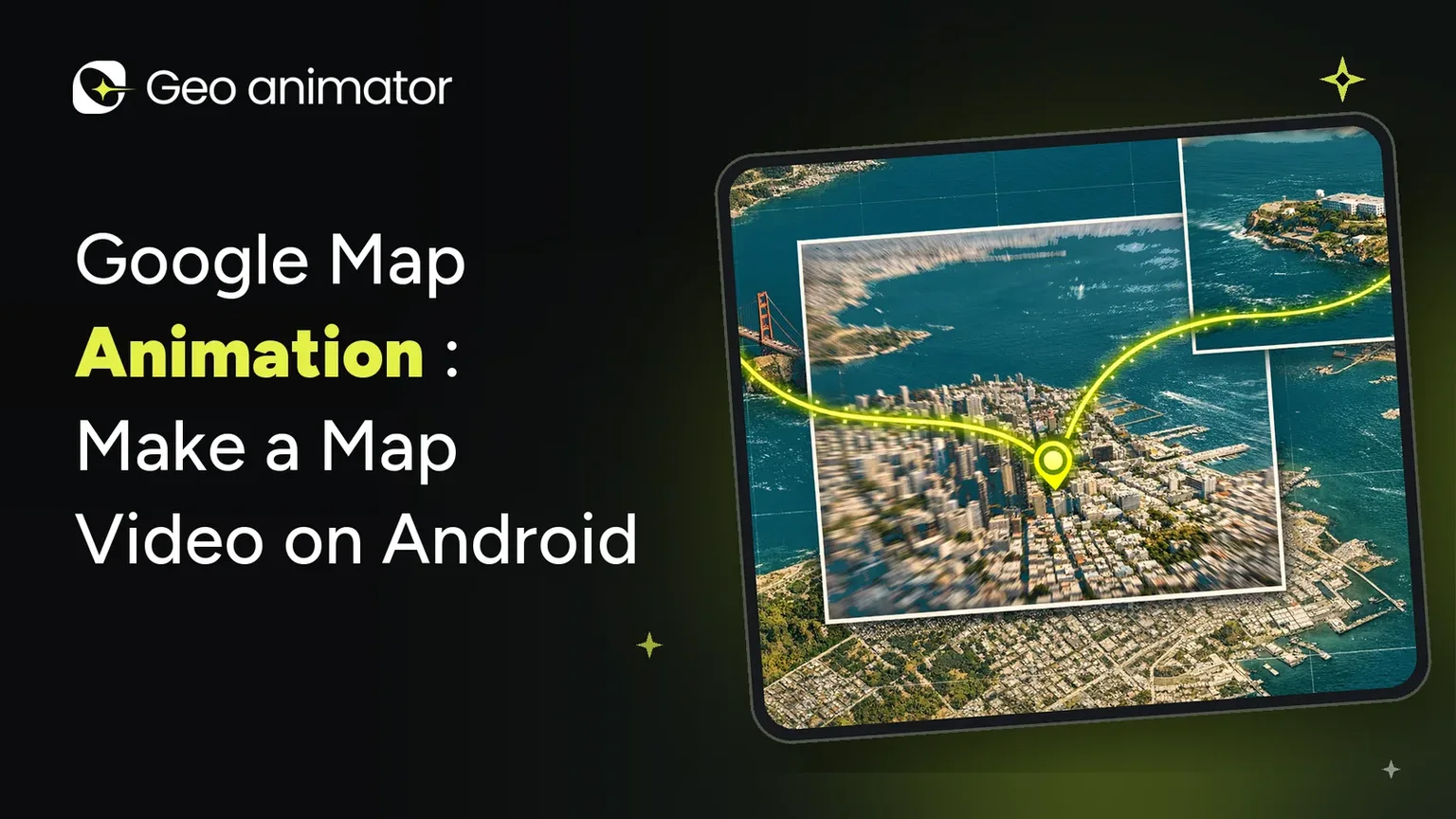
Bring travel and paths into the story with their own timeline track, alongside the places and details you want to show.
Choose Push, Drift, or Orbit for a hold, then transition with Orbit, Arc, or Bounce. Adjust pitch, zoom, and rotation with camera keyframes.
Bring camera motion, regions, text, and travel together on a layered timeline. Set clip durations, update keyframes, and preview the sequence.
Begin with a new project or use a template as your starting point. Choose the map’s look, with all map styles available in Pro.
Export your finished map animation as a video. Follow its export progress, with watermark removal available in Pro.
PRO Unlock all map styles and export without a watermark.
A little direction. A touch of personality.
And a whole world to play with.
Start with a region that means something. Or let a template take you somewhere new.
Highlight a border. Drop in a label. Layer in the details that make the story yours.
Bring the camera closer, set the pace, and watch your perspective come to life.
GeoAnimator, also written Geo Animator, is a map animation maker for Android by Lascade. It helps you turn countries, regions, labels, and camera movements into animated map videos for geography explainers, travel stories, and presentations.
Start a project or choose a template, select a place, style its region highlight, and add text or images. Arrange camera movements and clip timing on the timeline, preview the sequence, then export your video from the app.
Yes. GeoAnimator can fill country and region shapes with flags, colours, patterns, or images. Choose a reveal such as Fade, Flood, Wipe, or Chase, then adjust its speed, direction, intensity, and softness. Fill and border colours have separate opacity controls.
Yes. Use locations, travel and path layers, labels, and camera movement to tell a journey in sequence. A travel story can move from a wide overview to individual destinations, with the timing arranged on the timeline.
Yes. The app supports 16:9 landscape, 9:16 vertical, and 1:1 square projects. Choose a format for your destination platform and check that place names and highlights remain readable on a phone before exporting.
This website introduces GeoAnimator and shows examples. To create and export your own animations, download the Android app from Google Play. The globe on this page is a demonstration, not the app’s editor.
Pro unlocks all map styles and watermark removal. Check the app for current plans, local prices, and purchase terms before subscribing.
GeoAnimator is published by Lascade. For app support, contact connect@geoanimator.com. The Google Play listing has the latest app information and privacy policy.
That’s GeoAnimator. An app for turning the places
you’re curious about into stories worth sharing.
Also worth reading: How to Add Routes to Your Map Animation, How to Add Music to Your Map Animation and How to Highlight Countries With Flags on an Animated Map. Browse every story in the GeoAnimator Journal.